
Appearance
Submit a project request
Every project starts as an idea. A request captures that idea with a short business case, so the people who decide what gets funded can compare it fairly with everything else. When a request is approved, Perspective creates the project for you from what you wrote.
Before you start
- Anyone who can see projects can raise a request. Team members who only log their own time cannot.
- Think about who should decide. You can name an approver on the request, and anyone with portfolio governance (such as PMO or Admin) can decide too.
Steps
Write the request
- Open Requests in the left menu, under Portfolio. This opens the Demand intake board.
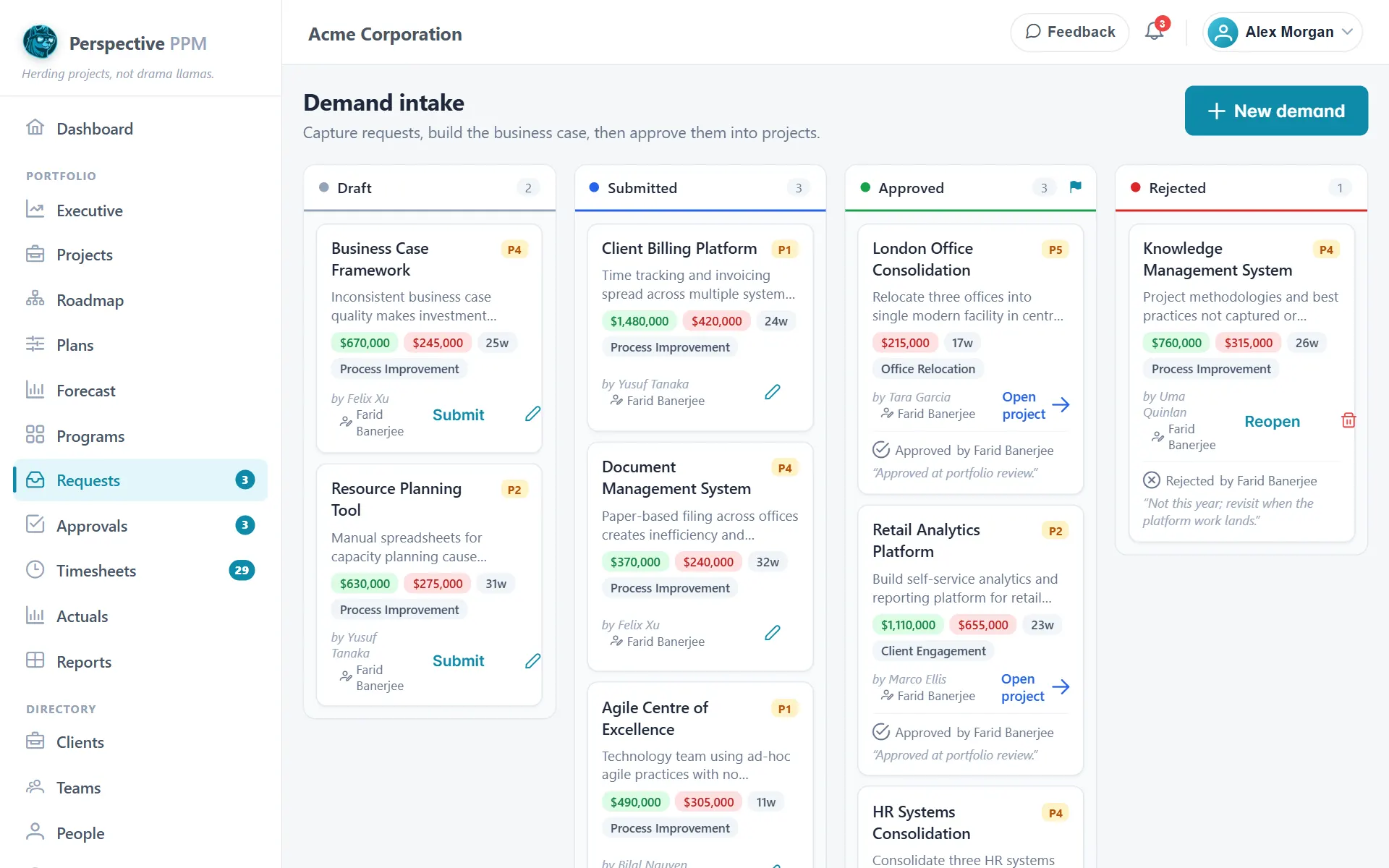
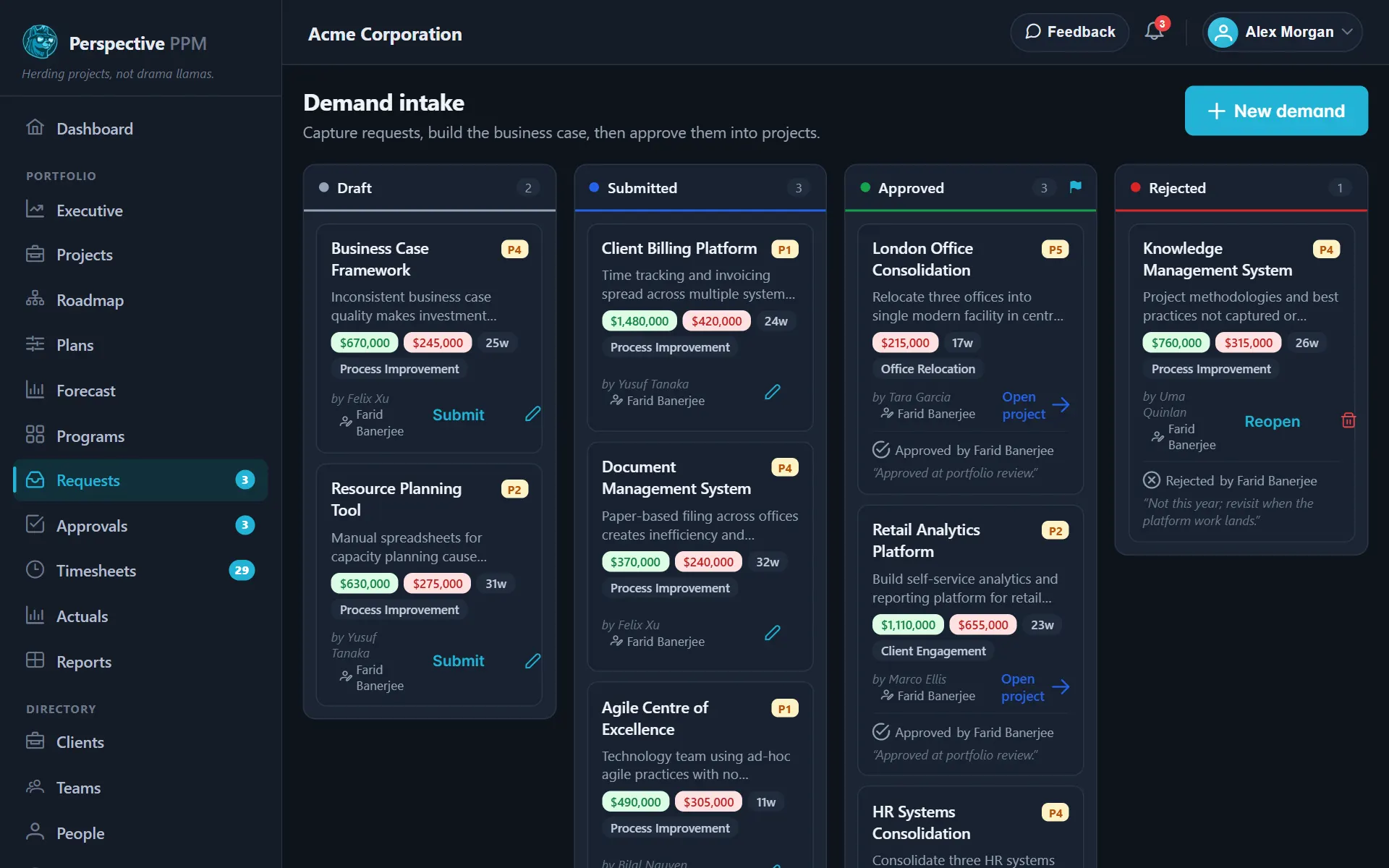
- Click New demand.
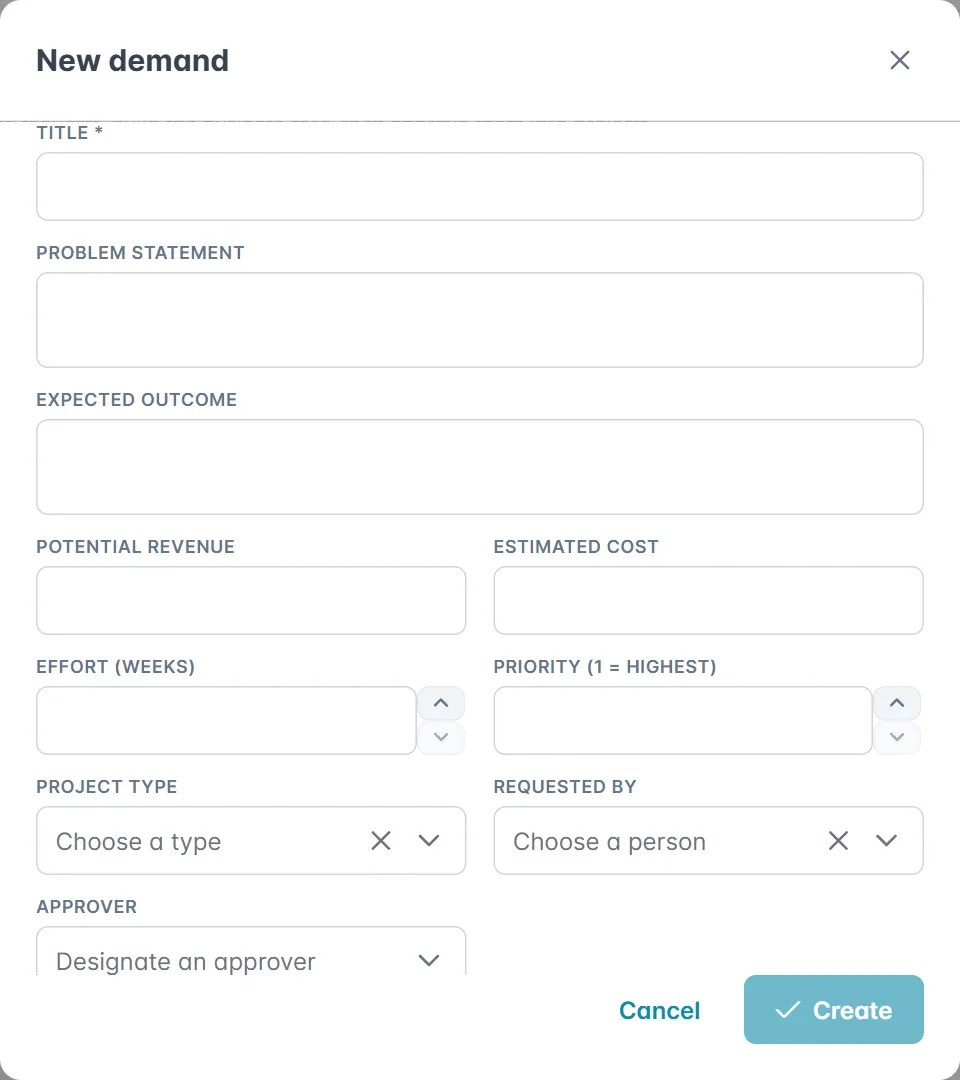
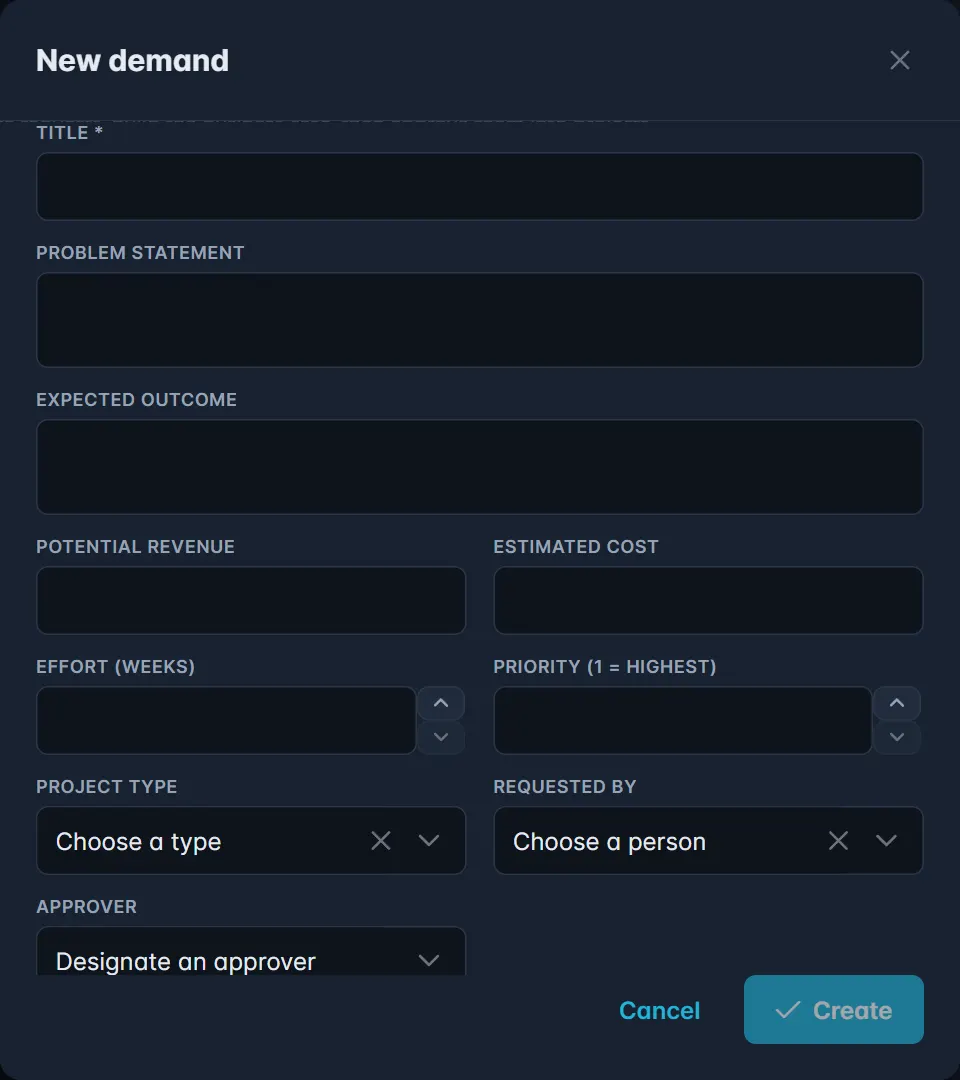
- Fill in the business case:
- Title: the only required field. It becomes the project's name.
- Problem statement: what is wrong today, or what opportunity you see.
- Expected outcome: what will be different when the work is done.
- Potential revenue and Estimated cost: your best estimates.
- Effort (weeks): roughly how long the work will take.
- Priority (1 = highest): how urgent this is compared with other work.
- Project type: the kind of project it would become.
- Requested by: the person asking for the work.
- Approver: the person who should make the decision.
- If your company has set up its own fields, fill in Request fields too. Required project fields are captured now so the project starts complete when the request is approved.
- Click Create. The request appears in the Draft column.
Submit it for review
- On the request's card, click Submit. It moves to Submitted, and the approver sees it marked Needs you.
You can still edit a submitted request. While it is a draft, you can also delete it.
TIP
Effort (weeks) matters beyond the decision. Open requests appear as pipeline demand in the capacity forecast, so a realistic estimate shows early whether you have the people to take the work on.
How approval works
The approver opens the request, or uses the buttons on its card, and chooses Approve or Reject. Either way they can add Notes (optional) explaining the decision, and the note shows on the card.
- Approve & create project creates a project in the Proposed status. It carries over the title, priority, project type, potential revenue and any project fields captured on the request, and the estimated cost becomes its budget. The card then shows Open project.
- Reject moves the request to Rejected. It is not lost: the person who raised it can click Reopen to turn it back into a draft, improve it, and submit it again.
If you raised a request yourself, you cannot also approve it while someone else is able to.
WARNING
Your company may use its own stages instead of Draft, Submitted, Approved and Rejected. In that case you move cards between columns by dragging them, and a flag on a column means reaching it creates the project. Admins set this up under Settings, Intake workflow.
Click awaiting you at the top of the board to see only the requests waiting for your decision.