
Appearance
Check team capacity
The capacity forecast looks ahead month by month and compares the hours your people can actually work with the hours you have asked of them. It is an early warning: it shows where the next staffing conversation needs to happen, before a project slips.
Before you start
- Anyone who can see projects can open the forecast.
- The forecast is only as good as your plans. Staff your active plans and keep people's teams and roles up to date.
Steps
- Open Forecast in the left menu, under Portfolio. The page is called Capacity forecast.
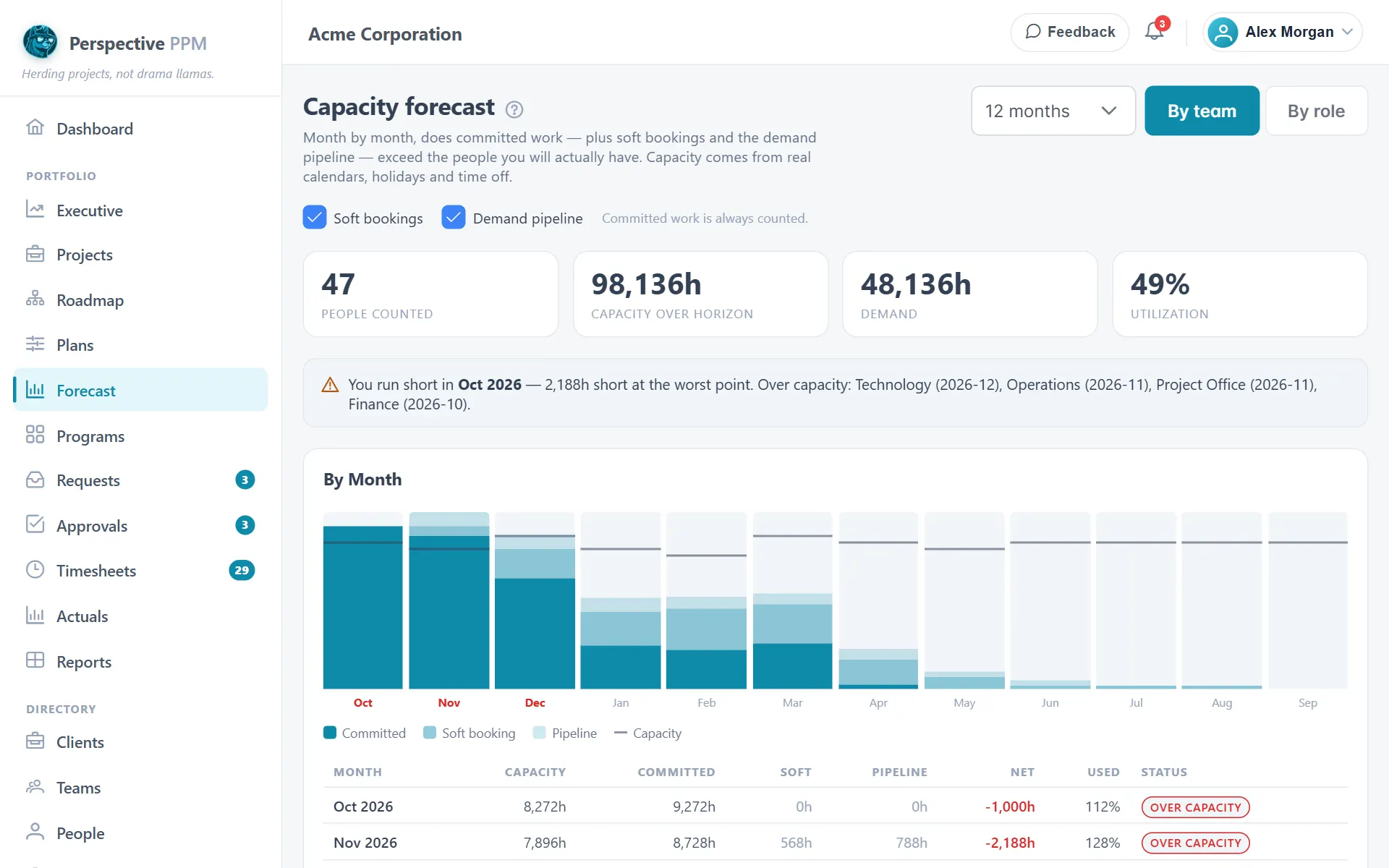
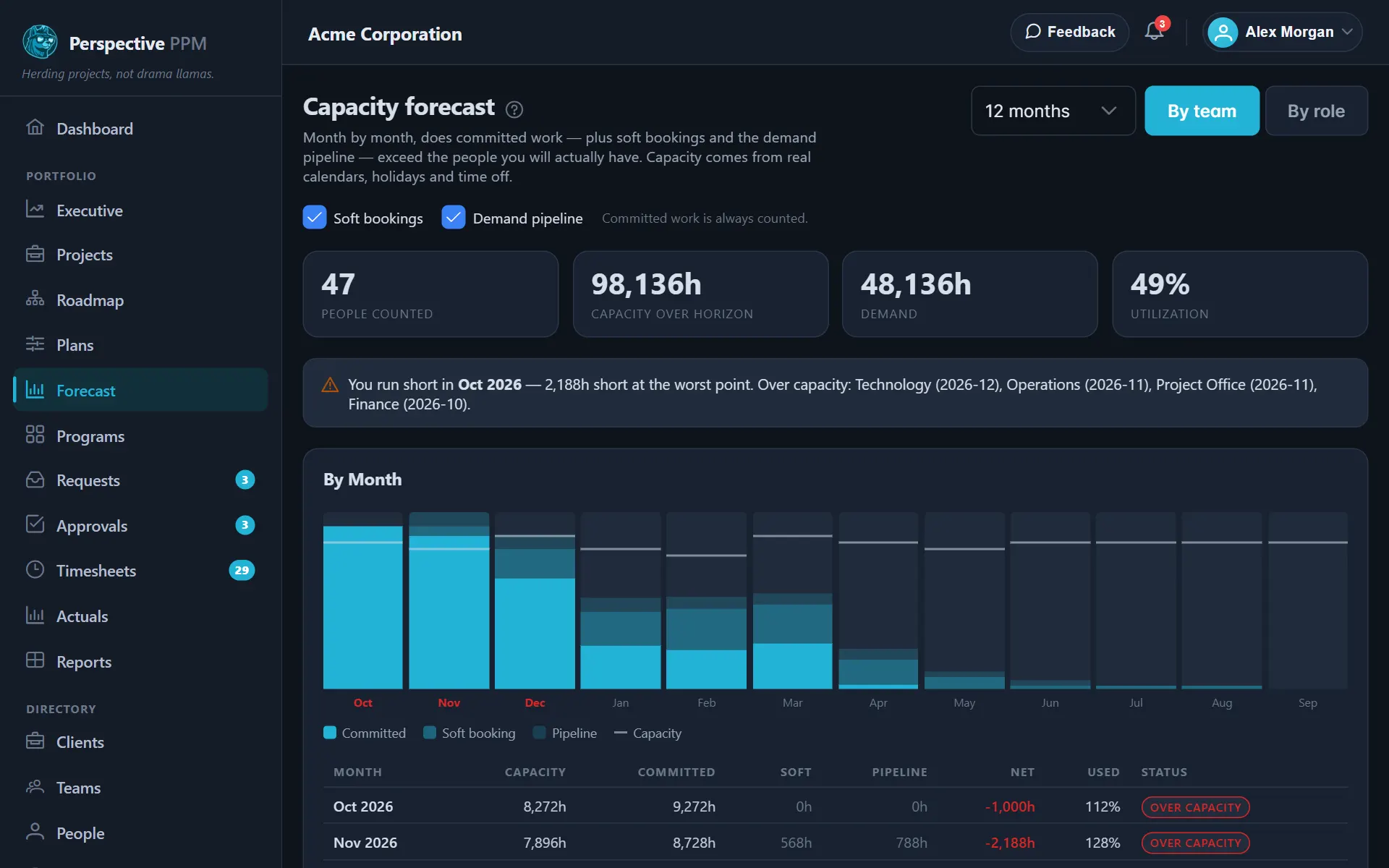
- Choose how far ahead to look: 6 months, 12 months, 18 months or 24 months.
- Choose By team or By role to decide how the bottom table breaks down.
- Choose what to count as demand:
- Committed work is always counted. This is the hours on active plans that are not tentative.
- Tick Soft bookings to add hours on plans marked tentative.
- Tick Demand pipeline to add open requests that have an effort estimate but have not become projects yet.
Untick Soft bookings and Demand pipeline to see only what you have firmly promised. Tick them to see the worst case if everything goes ahead.
Read the forecast
The headline
The tiles show People counted, Capacity over horizon, total Demand and overall Utilization. Below them, a banner tells you the first month you run short and by how much at the worst point, and names the teams or roles that go over. If nothing goes over, it says so.
By month
Each month is a stacked bar: Committed, then Soft booking, then Pipeline, with a line marking Capacity. A bar that rises above its line is a month where you have promised more hours than you have. Hover a bar to see the figures.
The table underneath gives each month's Capacity, Committed, Soft, Pipeline, Net and Used, plus a Status:
- Within capacity: under 85% used.
- Tight: 85% to 100% used. Little room for surprises.
- Over capacity: more than 100%. Someone is booked beyond the hours they have.
A negative Net is the shortfall for that month.
By team or by role
Each team or role shows its Capacity, Demand, use over the whole Horizon and its Worst month. Its Status comes from that worst single month, not the average. A team booked double in one month and idle the rest would look comfortable on average, which is the opposite of the truth.
TIP
Capacity here is real availability. It comes from each person's working schedule, company holidays and booked time off, the same way the planning grid works it out.
WARNING
Pipeline hours are an estimate. A request has no dates yet, so its Effort (weeks) is spread evenly from next month onwards. Pipeline appears in the monthly figures but is not split by team or role.
What to do about an over-capacity month
- Open the plans that use that team or role and look for people shown as over-allocated.
- Move a project's start date, or rework the order on the roadmap.
- Bring in people from another team, or add people to the role.